Jak korzystać z generatora filmów AI PosterMyWall
Korzystanie z filmów AI jest proste:
Korzystanie z filmów AI jest proste:
-
1Otwórz filmy AI.
Kliknij panel AI w edytorze i wybierz Film AI.
-
2Opisz swój film.
Wpisz opis potrzebnego klipu. Bądź konkretny, na przykład: „Ujęcie plaży o zachodzie słońca z drona, złote światło”.
-
3Albo dodaj obraz.
Załącz obraz do polecenia tekstowego, aby zamienić go w film. Świetne do zdjęć produktów!
-
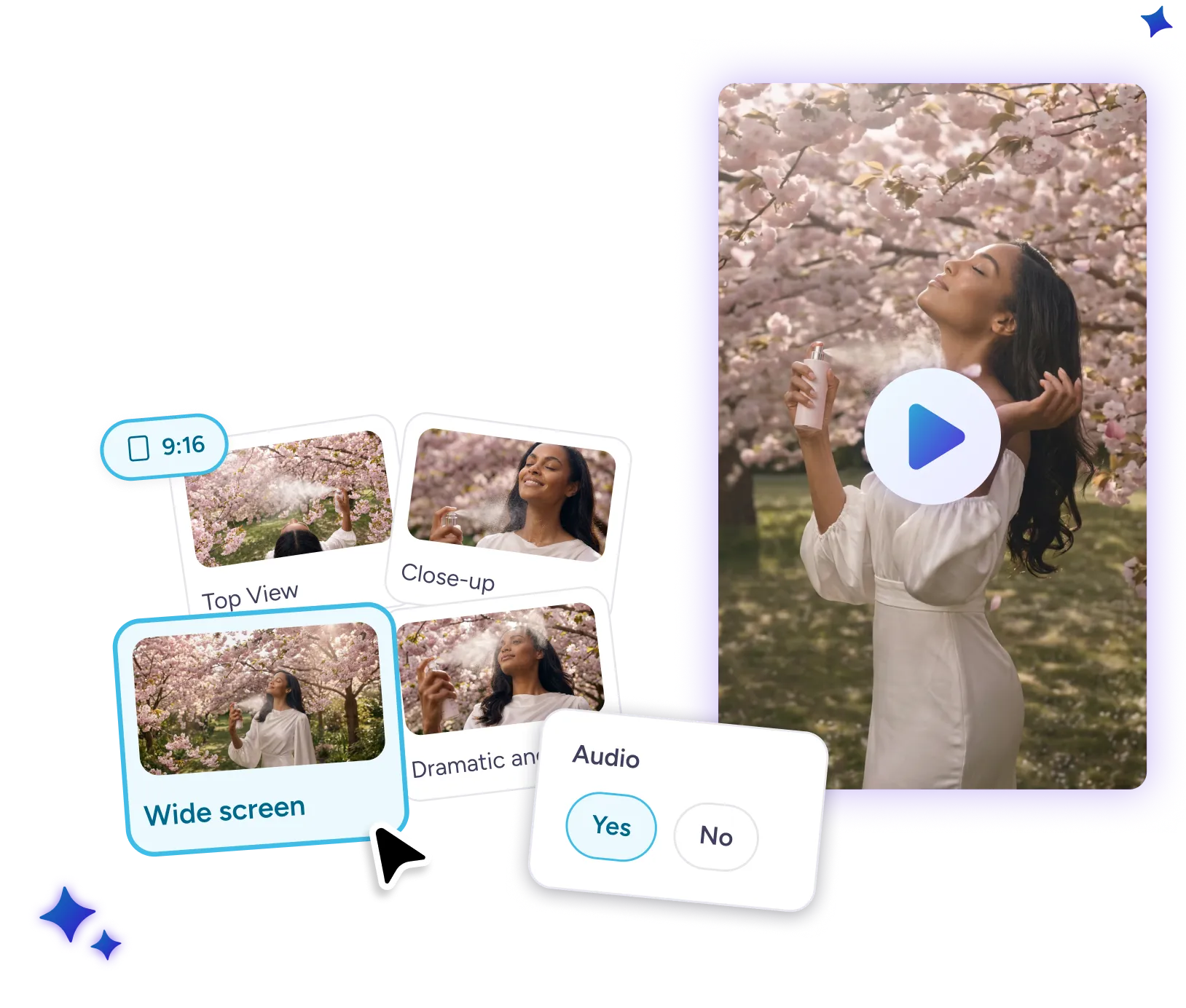
4Wybierz ustawienia i dodaj do projektu.
Wybierz kąt kamery lub styl, proporcje obrazu (9:16 lub 16:9) i od razu dodaj klip do projektu.