Abrir menú de accesibilidad Ir al contenido de la página

Draw attendees with free event landing pages

Reach more people with shareable event pages. Whether it's a music night or a comedy show - your event landing page gets the party started!

Draw attendees with free event landing pages

Reach more people with shareable event pages. Whether it's a music night or a comedy show - your event landing page gets the party started!

Draw attendees with free event landing pages

How to create an event landing page on PosterMyWall

  • 1
    Click on Create under "Events"

    Enter details like date, time, location, and anything your attendees need to know.

  • 2
    Add event details

    Choose a ready-made event flyer or create your own. Add an exciting description with AI.

  • 3
    Share on socials and to email lists

    Send a link to start collecting registrations or publish everywhere in a click.

Customize event landing pages

Customize event landing pages

Promote your event online in minutes.

  • Grab attention with custom images or videos. Already made a flyer? Drop it in!

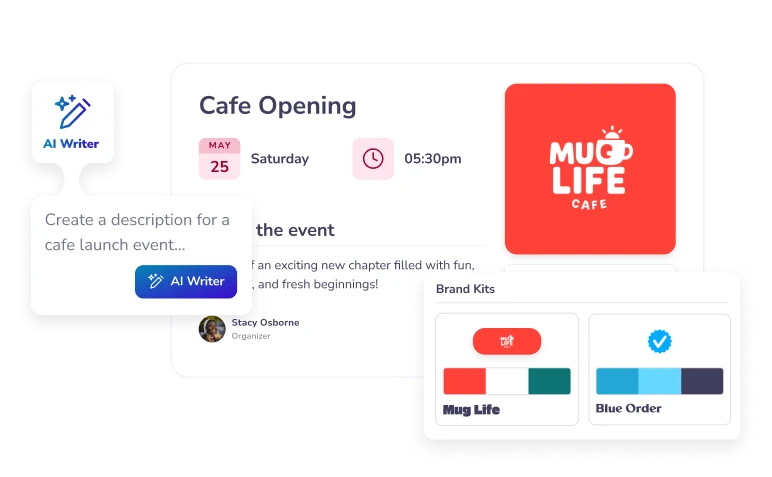
  • Add your own flair with branded visuals using Brand Kits and catchy descriptions with AI Writer.

  • Showcase your entire schedule. Your events will automatically be added to your events calendar.

Promote with emails, socials, and more

Promote with emails, socials, and more

Why wait? Start getting registrations right away with one-click promo.

  • Share your event landing page on social media or to your email lists in seconds.

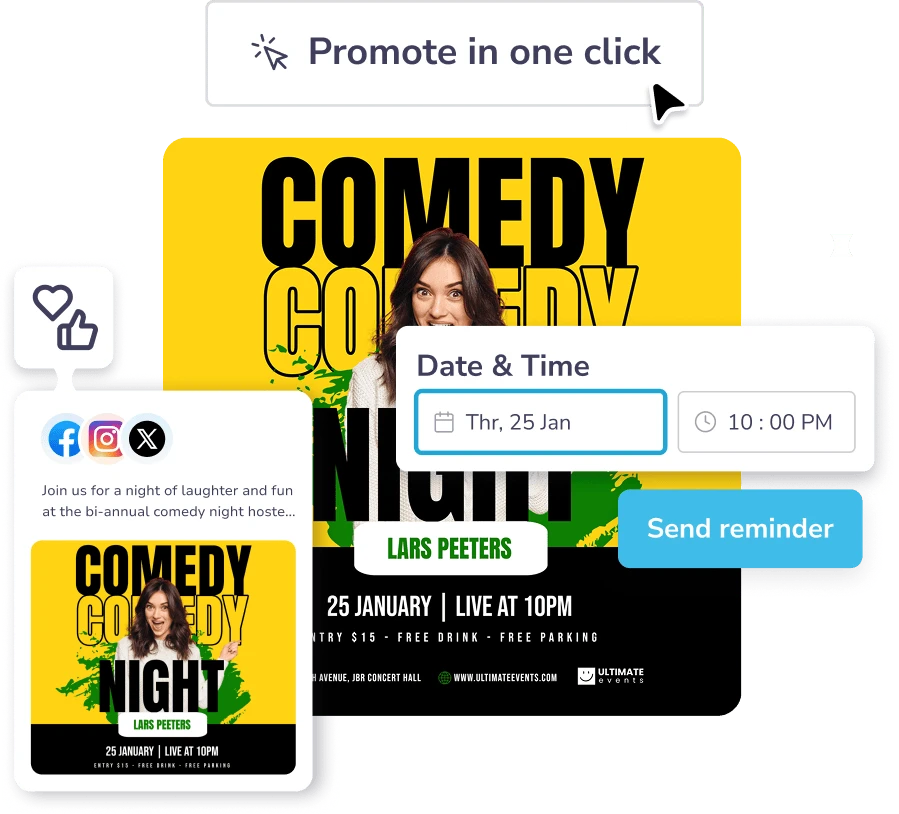
  • Use one-click promo to automatically publish your event as a social post and email campaign.

  • Send automatic email reminders to make sure your guests don't forget. You get a full house!

Embed event landing pages on your website

Grow attendance and drive registrations.

  • Reach more people by embedding your landing page directly onto your website or blog. All updates - including time changes and new details - sync instantly.

  • Have an event that repeats regularly? Set events as "recurring" and your event landing page will replicate automatically.

Preguntas más frecuentes

How do I create an event landing page on PosterMyWall?

Under the Events tab, click on “Create” and start adding your event details such as description, location, timings, and more. If you’ve got a ready-made flyer, click on “Promote as event” to turn it into a shareable event page!

Can I customize the layout and design?

Yes! You can fully customize the visuals, text, and branding. Add a custom image or video, change colors, and use tools such as AI Writer and AI Images for descriptions and visuals.

Where can I share my event landing page?

You can share an event landing page on social media, publish to your email lists, or embed on a website or blog. With one-click promo, publish to both emails and socials together!

Can I collect custom info from attendees?

In addition to emails, you can upgrade to PosterMyWall Premium plans to collect names, phone numbers, or additional info.

Is it free to create an event landing page with PosterMyWall?

Yes, you can create 1 event landing page every month as part of the PosterMyWall free plan. To create more pages and more promotion options, view our Premium and Premium Plus plans.